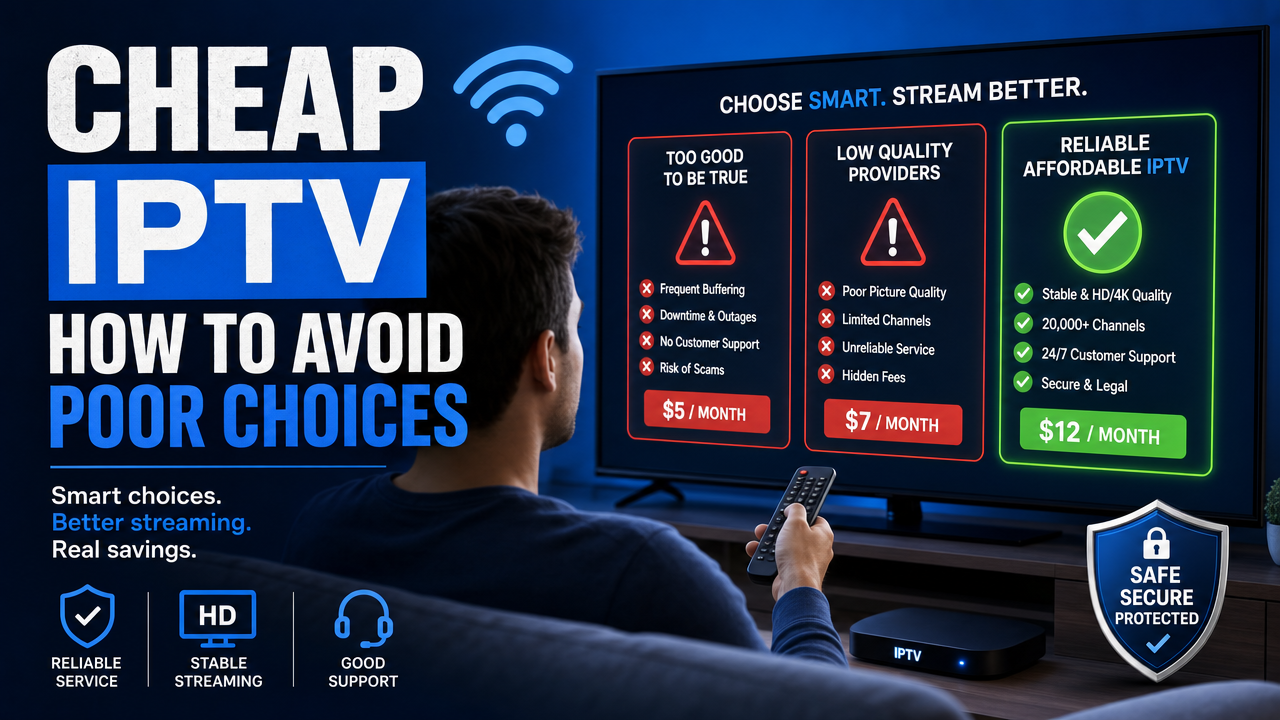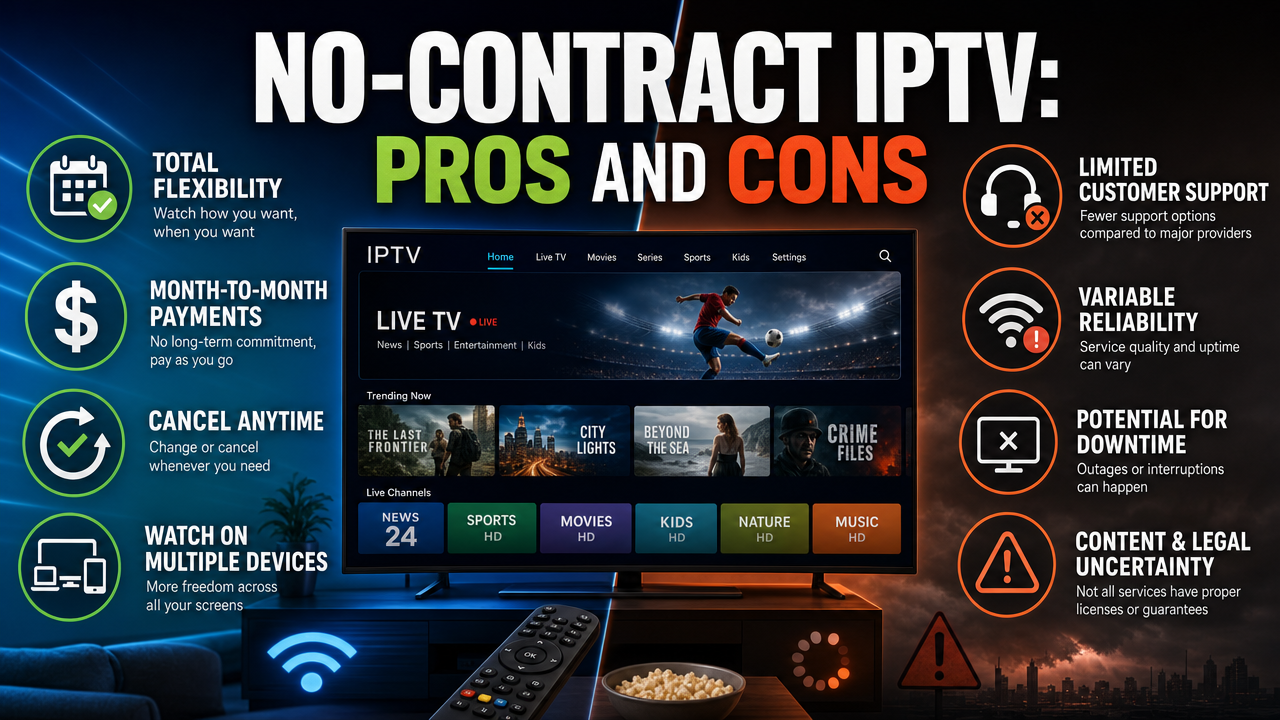
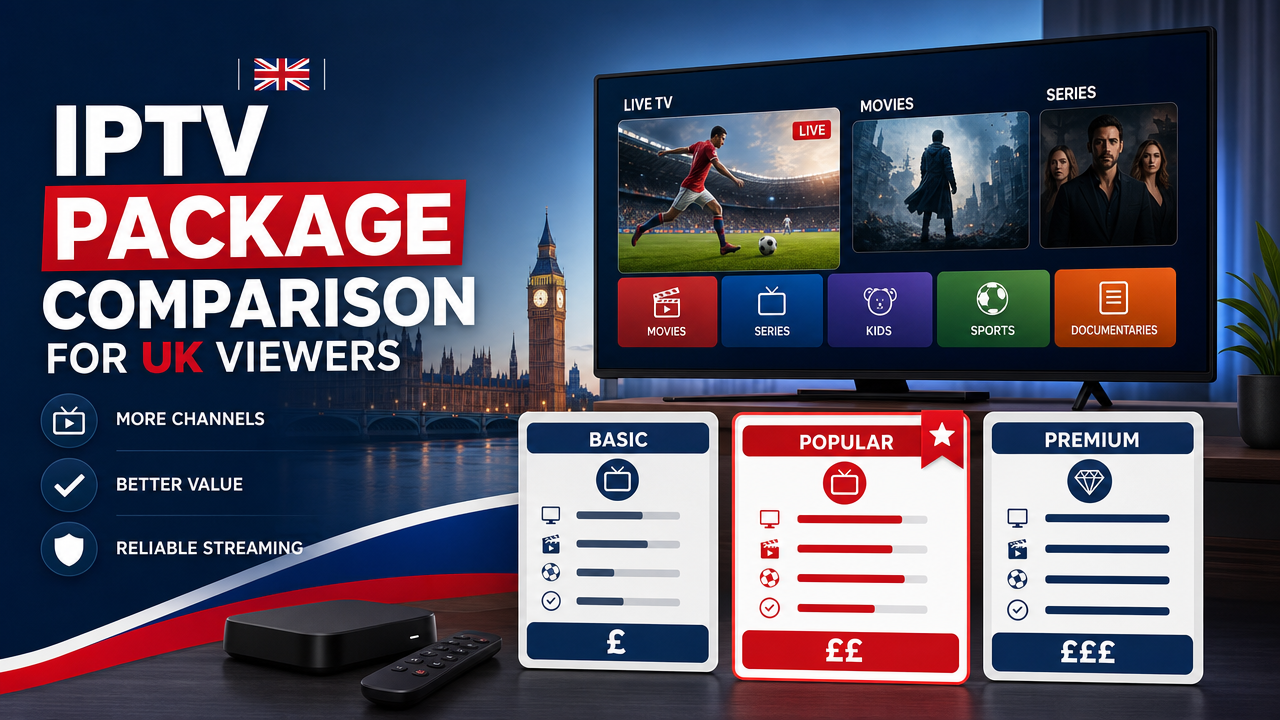
Choosing the right IPTV subscription in the UK is not just about price. An effective IPTV package comparison UK guide should help you weigh channels, Video on Demand (VOD), Electronic Programme Guide (EPG) quality, device compatibility, app support, streaming quality and customer help. Whether you watch from London, Manchester, Birmingham, Glasgow, Cardiff or Belfast, the right plan depends on your devices, broadband connection and how you actually use the service. This guide explains what to compare, how to test before buying and what to expect from a service like UK STREAM PRO.
Why a Proper IPTV Package Comparison UK Matters
IPTV (Internet Protocol Television) is a technology that delivers TV content through an internet connection rather than a traditional aerial, satellite dish or cable line. Because the experience depends on so many moving parts, a careful IPTV package comparison UK approach helps you avoid surprises after you pay.
Two packages might look similar on a sales page, but differ a lot in real use. The channel count tells you only part of the story. The EPG quality, VOD library, app compatibility, streaming stability and support all shape the daily experience.
Before subscribing, it helps to think about your device (Fire TV Stick, Samsung Smart TV, LG Smart TV, Apple TV, Android box, iPhone, iPad or Windows PC), your broadband provider (BT, EE, Virgin Media, TalkTalk, Vodafone Broadband, Plusnet, Hyperoptic or others) and your viewing habits.
Key Criteria to Compare IPTV Packages in the UK
When comparing IPTV packages, focus on the features that actually affect how you watch TV every day. Here are the main areas to assess.
1. Channel List and Coverage
The number of channels matters, but so does the type. Ask yourself:
- Do you mainly want UK channels, international channels or both?
- Are news, entertainment, films, children’s content or sports more important?
- How often is the channel list updated?
UK STREAM PRO states it offers around 44,000 channels. A large list is helpful, but always check the specific channels that matter to you. Channel, VOD, catch-up, replay, EPG, HD, Full HD, 4K or UHD availability may vary depending on the subscription, device, IPTV app, rights, licences, location and current technical status.
2. Video on Demand (VOD) Library
VOD means content you can watch on request rather than at a fixed broadcast time. A strong VOD library lets you catch up on films and series at your convenience.
When comparing packages, look at:
- The size of the VOD library (UK STREAM PRO states approximately 186,000 VOD titles)
- Genre variety
- How often new titles are added
- Audio and subtitle options where available
3. EPG (Electronic Programme Guide)
The EPG shows programme times, channel information and schedules. A reliable EPG makes browsing simple. When you compare IPTV packages, check whether the EPG:
- Loads quickly
- Shows accurate times for UK channels
- Works in your chosen IPTV app
- Supports catch-up or replay when available
4. Streaming Quality and Stability
Streaming quality is shaped by the service, your broadband and your device. UK STREAM PRO content may be available in SD, HD, Full HD or 4K, depending on the source. Stability depends heavily on your home network.
For best results in UK homes:
- Use fibre broadband (FTTC or full fibre FTTP) where possible
- Prefer Ethernet over Wi-Fi for Smart TVs or boxes
- Use a modern router with Wi-Fi 5 or Wi-Fi 6
- Place your router close to your main viewing device
5. Device and App Compatibility
Compatibility is one of the most important areas in any IPTV package comparison UK buyer guide. Check which devices and apps the service supports before purchasing.
Commonly used devices in UK homes include:
- Samsung Smart TV, LG Smart TV, Sony TV, Philips TV, Hisense TV
- Android TV and Google TV devices
- Apple TV
- Amazon Fire TV Stick and Fire TV Cube
- Android boxes, IPTV boxes and MAG boxes
- iPhone, iPad, Android phone, Android tablet
- Windows PC, Mac and Linux computers
Popular IPTV apps include IPTV Smarters, TiviMate, Smart IPTV, IBO Player, GSE Smart IPTV, Flix IPTV, Perfect Player, Kodi and VLC. Most of these support M3U playlists or Xtream Codes logins.
6. Login Method: M3U or Xtream Codes
M3U is a playlist link or file you add to a compatible IPTV app. Xtream Codes uses a server URL, username and password. Both are common. The best option depends on the app and device you use. Some apps prefer one over the other, so check before you subscribe.
7. Customer Help and Support
Reliable support matters when you need help with installation, M3U or Xtream Codes setup, or a temporary issue. UK STREAM PRO offers 12/7 support, which is useful for most evening and weekend viewers.
When comparing IPTV packages, check:
- Support hours
- Available contact methods
- Help with M3U and Xtream Codes
- Device-specific support for Samsung, LG, Apple TV, Fire TV Stick, Android, Windows, Mac and Linux
8. Pricing and Payment Methods
Clear prices in pounds sterling help you plan your spending. UK STREAM PRO offers the following approximate pricing tiers:
- 1 month: approximately £8.64
- 3 months: approximately £22.47
- 6 months: approximately £30.25
- 12 months: approximately £42.34
Accepted payment methods include PayPal, card payment, Apple Pay and Google Pay. You can compare current IPTV subscription options directly on the UK STREAM PRO website to see the latest plans.
9. Trial Period and Refund Policy
A trial period is one of the safest ways to compare any IPTV package. UK STREAM PRO offers a trial when available, which lets you test channels, VOD, EPG, picture quality, and your device setup before committing to a longer plan. You can also read the refund policy before choosing a subscription.
Short-Term vs Long-Term IPTV Packages
One of the biggest decisions in an IPTV package comparison UK exercise is the plan length. Each option has its own use case.
1-Month Plan (Approximately £8.64)
Best for new users who want to try the full service without a long commitment. It is also useful if you travel often or only need IPTV for a short period.
3-Month Plan (Approximately £22.47)
A balanced option for users who want a longer test of the service. It works well for households that want to confirm stability across a few months before committing further.
6-Month Plan (Approximately £30.25)
Good value for regular viewers who already know their device, app and connection work reliably with the service.
12-Month Plan (Approximately £42.34)
The most cost-effective option per month for committed users. Choose this only when you are confident with compatibility, streaming quality and support.
Always check the live subscription page for current pricing, since amounts may be updated.
Comparing IPTV Packages by Use Case
Different households need different things from an IPTV service. Here is how to think about your choice based on real-life usage in the UK.
Casual Viewer in a Flat in London or Manchester
If you mostly watch a few channels and some films in the evening, a 1-month or 3-month plan is a good starting point. Pair it with a Fire TV Stick, a stable Wi-Fi 6 router and a fibre broadband connection from BT, Virgin Media or a similar provider.
Family Household in Birmingham, Leeds or Glasgow
Families often need multiple genres: children’s content, films, news and entertainment. A larger plan length combined with a Smart TV or Android TV box can provide a smoother experience. Ethernet is recommended for the main TV when possible.
Frequent Traveller in Edinburgh, Cardiff or Belfast
If you watch on iPhone, iPad or laptop while travelling within the UK, focus on app compatibility and mobile-friendly performance. Test the service with a trial before choosing a longer plan, since mobile networks (4G, 5G) can affect stability.
Tech-Savvy Users in Bristol, Brighton or Cambridge
If you prefer using TiviMate, IPTV Smarters or Kodi with M3U or Xtream Codes, prioritise services that clearly support both login methods. Check whether the EPG, VOD and channel list display correctly in your chosen app.
How to Test an IPTV Package Before You Commit
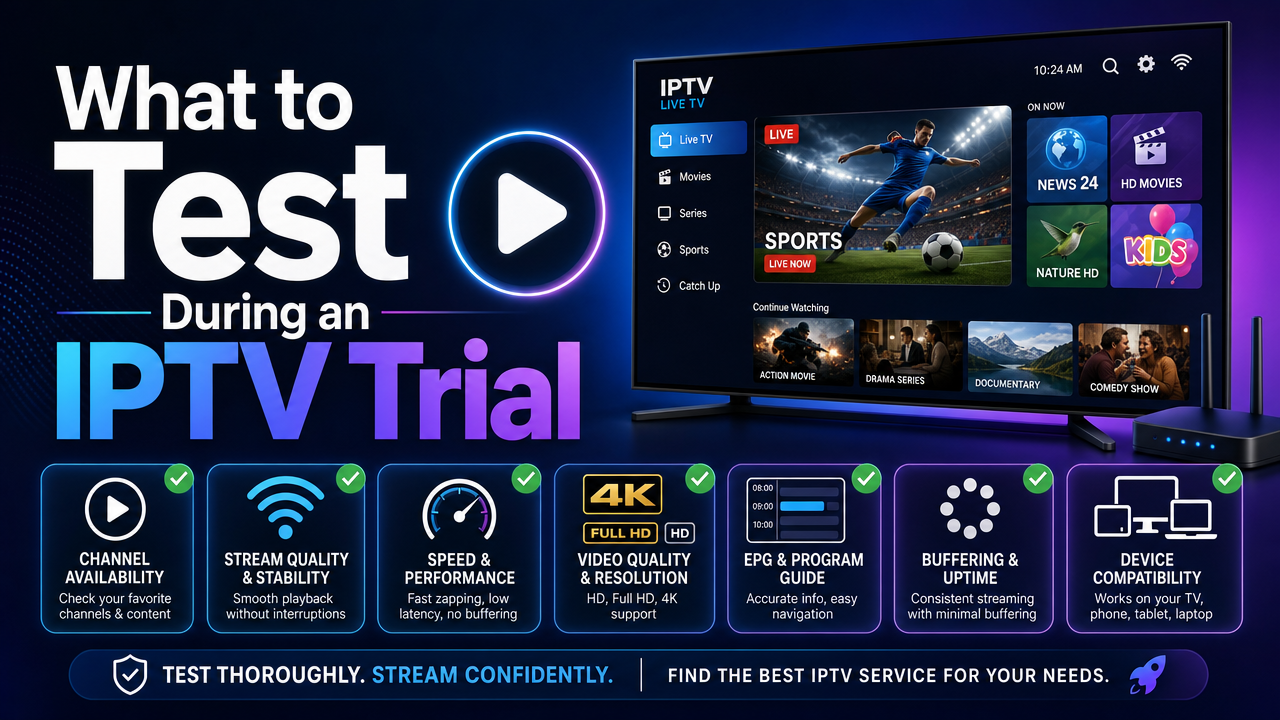
A trial is the most reliable way to compare any IPTV package. Use it to evaluate the service in real conditions.
- Test on the device you actually use every day.
- Try both Wi-Fi and Ethernet to see which is more stable.
- Check the channels and VOD titles that matter to you.
- Look at the EPG and see whether schedules load correctly.
- Watch during peak evening hours, not just quiet daytime hours.
- Test catch-up and replay features when available.
- Contact support with a simple question to see response speed.
You can start with the UK STREAM PRO free trial when available to test these features before choosing a longer plan.
Streaming Quality: What Affects Your Picture
Streaming quality is influenced by your broadband, router, device and app. To improve quality:
- Use a stable connection with consistent speeds, ideally fibre broadband
- Connect main devices via Ethernet rather than Wi-Fi
- Keep your IPTV app and device firmware up to date
- Close background apps that may use bandwidth
- Restart the router occasionally to clear temporary issues
4K or UHD streams require more bandwidth than HD. Make sure your device and TV support the resolution you want. Not all content is available in every resolution.
Device Setup Tips for UK Users
The setup process depends on your device and chosen IPTV app. Here are some quick pointers for popular devices.
Fire TV Stick
Install a compatible IPTV app from the official store, then add your M3U link or Xtream Codes details. Place the Fire TV Stick close to your router and use a 5GHz Wi-Fi band where possible.
Samsung and LG Smart TVs
Use an IPTV app that supports your TV’s operating system. Check the official Samsung or LG app store, and make sure your TV firmware is up to date.
Apple TV
Apple TV supports several IPTV apps available through the official App Store. Combine it with a stable home network for the best experience.
Android TV and Android Boxes
Android-based devices offer broad app support, including IPTV Smarters and TiviMate. Use the official Google Play Store to install apps.
For a deeper walkthrough on selecting a plan that fits your devices, see this guide on how to choose IPTV in the UK or the general setup guide.
Legal and Trust Considerations in the UK
IPTV is a technology that can deliver TV content through an internet connection. The legality of any IPTV service depends on rights, licences, authorisation, broadcasting rights, copyright and the terms attached to the content being provided.
Before choosing a subscription:
- Read the terms and conditions
- Review the privacy policy
- Check the refund policy
- Confirm the channels and VOD titles you care about are available
For broader UK consumer guidance, you can also refer to GOV.UK for consumer rights and distance-selling information. A VPN may have legitimate privacy and security uses, but it should not be used as a way to bypass legal, geographic, contractual or licensing restrictions.
Customer Support: What to Expect
Good customer support is a key part of any IPTV package comparison UK shopping guide. With UK STREAM PRO, support is available 12/7 and can help with:
- Installation on Smart TVs, Android, Fire TV Stick, Apple TV, Windows, Mac and Linux
- M3U or Xtream Codes login questions
- Subscription and billing queries
- Basic troubleshooting
You can contact UK STREAM PRO support before purchasing if you have questions about compatibility, your device or your broadband setup.
Common Mistakes When Comparing IPTV Packages
Avoid these common pitfalls when choosing an IPTV plan in the UK:
- Choosing based on channel count alone, without checking specific channels
- Skipping the trial period and committing to a long plan immediately
- Ignoring device and app compatibility
- Not testing during peak evening hours
- Forgetting to check the refund policy and terms
- Believing exaggerated marketing claims such as “guaranteed no buffering” or “all channels always available”
A careful, measured approach gives you a clearer picture of what to expect.
Frequently Asked Questions
What is the best way to compare IPTV packages in the UK?
Start with a trial when available, then check channel coverage, VOD library, EPG quality, device compatibility, streaming stability, support hours and the refund policy. Test the service on your usual device during peak evening hours for a realistic view.
Is IPTV legal in the UK?
IPTV is a technology that delivers TV content over the internet. The legality of any IPTV service depends on rights, licences, authorisation, broadcasting rights and copyright. Before subscribing, review the service’s terms and conditions, refund policy and content availability.
What internet speed do I need for IPTV in the UK?
A stable connection is more important than peak speed alone. HD content usually needs less bandwidth than 4K. For better stability, use Ethernet or a strong Wi-Fi 5 or Wi-Fi 6 connection on your Smart TV, Apple TV, Fire TV Stick or Android device.
Can I try an IPTV service before subscribing?
UK STREAM PRO states that a trial period is available. Use it to test your device, IPTV app, channel list, VOD library, EPG and overall stability before choosing a longer plan.
Which devices work best with IPTV in the UK?
Popular options include Samsung Smart TV, LG Smart TV, Apple TV, Fire TV Stick, Android TV boxes, iPhone, iPad, Android phones and tablets, Windows PC, Mac and Linux. Always confirm that your preferred IPTV app supports your device before subscribing.
What payment methods does UK STREAM PRO accept?
UK STREAM PRO accepts PayPal, card payment, Apple Pay and Google Pay. Activation usually takes around 5 minutes once payment is confirmed.
Final Thoughts
A thoughtful IPTV package comparison UK approach focuses on far more than the lowest price. Channels, VOD, EPG, device compatibility, app support, streaming quality and customer help all influence how much you enjoy the service day to day. Use a trial when available, test on your actual device, and read the terms and refund policy before choosing a longer plan.
Ready to choose? View the current subscription plans, start with a free trial when available, or contact UK STREAM PRO support for help with installation. You can also learn more about IPTV UK with UK STREAM PRO or check the FAQ for quick answers.