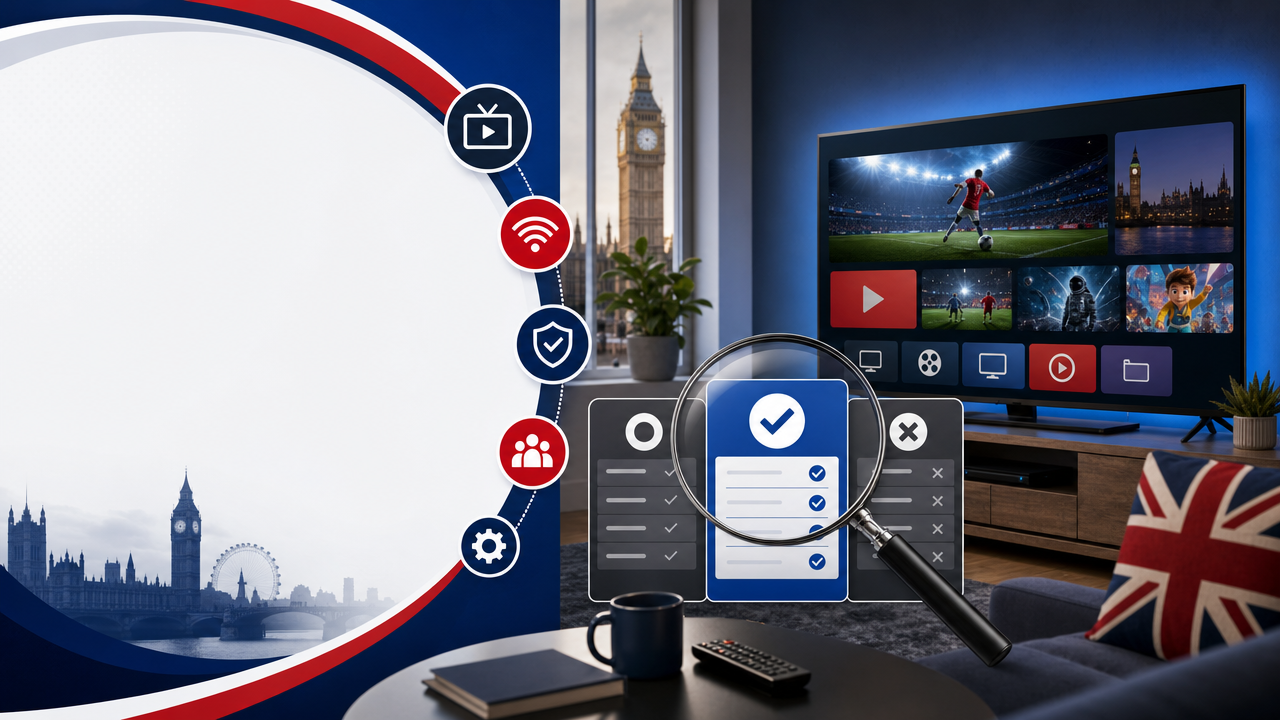
Choosing an IPTV service in the UK can feel overwhelming when every provider claims to offer the best channels, the lowest prices, and the smoothest streaming. If you want to know how to choose IPTV in UK without making expensive mistakes, you need a clear checklist covering stability, apps, support, payments, devices, and terms. This guide walks you through every important step, explains the key technical terms in plain UK English, and helps you test a service properly before committing to a longer plan. By the end, you will know exactly what to check, what to avoid, and how to make a confident decision.
What is IPTV and why does it matter in the UK?
IPTV — Internet Protocol Television — is a technology that delivers TV content through an internet connection instead of a traditional aerial, satellite dish, or cable. Whether you live in London, Manchester, Birmingham, Glasgow, Cardiff, or Belfast, IPTV uses your broadband to stream channels, Video on Demand (VOD), and sometimes catch-up or replay features to compatible devices.
Because IPTV is a technology rather than a single product, the experience varies between providers. The quality of your viewing depends on your broadband connection, your device, the IPTV app you choose, the login method, and the subscription terms attached to the service.
Understanding this is the first step in choosing a reliable IPTV service. A good provider should be transparent about what is offered, how it works, and what to check before you subscribe.
How to choose IPTV in UK: the essential checklist
When learning how to choose IPTV in UK, focus on practical factors that affect day-to-day use. The most reliable services in the UK market usually combine clear pricing, secure payments, fast activation, helpful support, and honest terms.
Here is the core checklist to follow:
- Stability and streaming quality
- Compatibility with your devices
- Supported IPTV apps
- Login method (M3U or Xtream Codes)
- Trial period availability
- Payment options and security
- Refund policy and clear terms
- Customer support hours
- Realistic claims, not exaggerated marketing
Each of these points is explained in detail below.
1. Check stability and streaming quality
Stability is more important than any flashy feature. An IPTV service can advertise thousands of channels, but if the stream constantly freezes or buffers, the subscription is not worth it.
What affects stability
The main factors influencing stability include:
- Your broadband connection (fibre broadband, full fibre, FTTP, FTTC, or cable broadband)
- Your Wi-Fi strength or Ethernet connection
- Your device’s age and processing power
- The IPTV app you are using
- Temporary server load on the provider’s side
If you use BT, EE, Virgin Media, TalkTalk, Vodafone Broadband, Plusnet, Hyperoptic, or Community Fibre, a fibre connection generally offers a smoother experience. For 4K or UHD content, Ethernet or Wi-Fi 6 is usually recommended where possible.
How to test stability
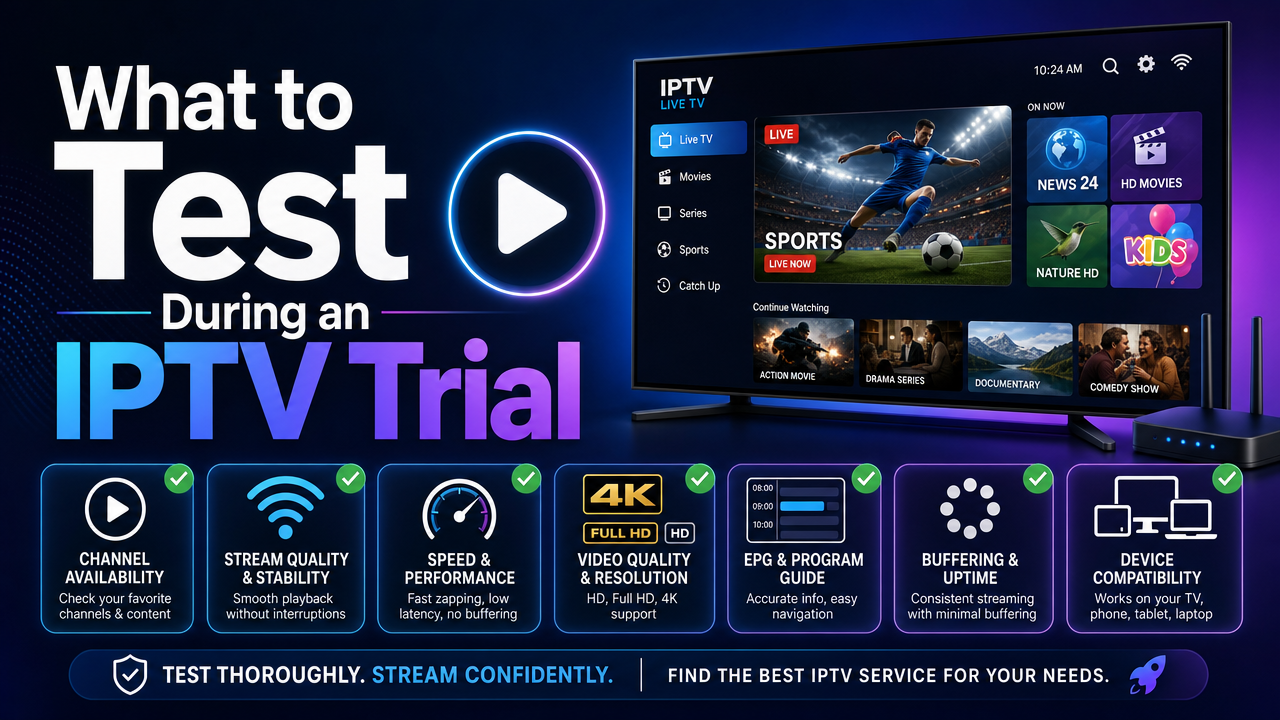
Before committing, use a trial period to test the service at peak evening hours, weekends, and during live events. This gives a realistic view of performance, not just the best-case scenario.
2. Confirm device compatibility
Not every IPTV service works smoothly on every device. Before paying, check which devices are supported and which IPTV apps are recommended.
Common UK devices
Popular devices used in UK households include:
- Samsung Smart TV and LG Smart TV
- Sony TV, Philips TV, and Hisense TV
- Android TV and Google TV
- Apple TV
- Amazon Fire TV Stick and Fire TV Cube
- Chromecast and Nvidia Shield
- Android boxes, IPTV boxes, and MAG boxes
- iPhone, iPad, Android phones, and tablets
- Windows PC, Mac, and Linux computers
A reliable IPTV provider should clearly explain which devices are supported and offer guidance through a setup guide or installation help.
3. Look at the IPTV apps supported
The IPTV app you use plays a major role in the viewing experience. Different apps offer different features, layouts, and performance levels.
Popular IPTV apps used in the UK
- IPTV Smarters
- TiviMate
- Smart IPTV
- IBO Player and IBO Pro
- HotPlayer
- GSE Smart IPTV
- Flix IPTV
- Perfect Player
- VLC and Kodi
- OttPlayer, SS IPTV, and others that support M3U or Xtream Codes
Check whether the service works with the app you prefer, and whether the app is available on your device’s official app store. Avoid downloading apps from unofficial sources or suspicious mirrors.
4. Understand login methods: M3U vs Xtream Codes
When you subscribe to an IPTV service, you usually receive login details to use in your chosen app. The two most common formats are M3U and Xtream Codes.
M3U
M3U is a playlist link or file that you load into a compatible IPTV app. It is simple, widely supported, and works in apps such as VLC, IPTV Smarters, and many others.
Xtream Codes
Xtream Codes uses a server URL, username, and password. Many apps prefer this method because it can offer a cleaner channel list, integrated VOD sections, and a smoother EPG (Electronic Programme Guide) when available.
A good provider should offer both options or clearly explain which is supported. If you need help, you should be able to contact UK STREAM PRO support for guidance.
5. Make sure a trial period is available
One of the most important steps when choosing IPTV is testing the service before committing. A trial period allows you to confirm that the service works on your device, with your app, and on your broadband connection.
UK STREAM PRO offers a trial period, which lets you test stability, channel availability, VOD, and EPG features before choosing a longer plan. You can start with the UK STREAM PRO free trial to see how the service performs in your home.
Avoid any provider that refuses to offer a test option or pressures you to pay immediately for a long-term plan.
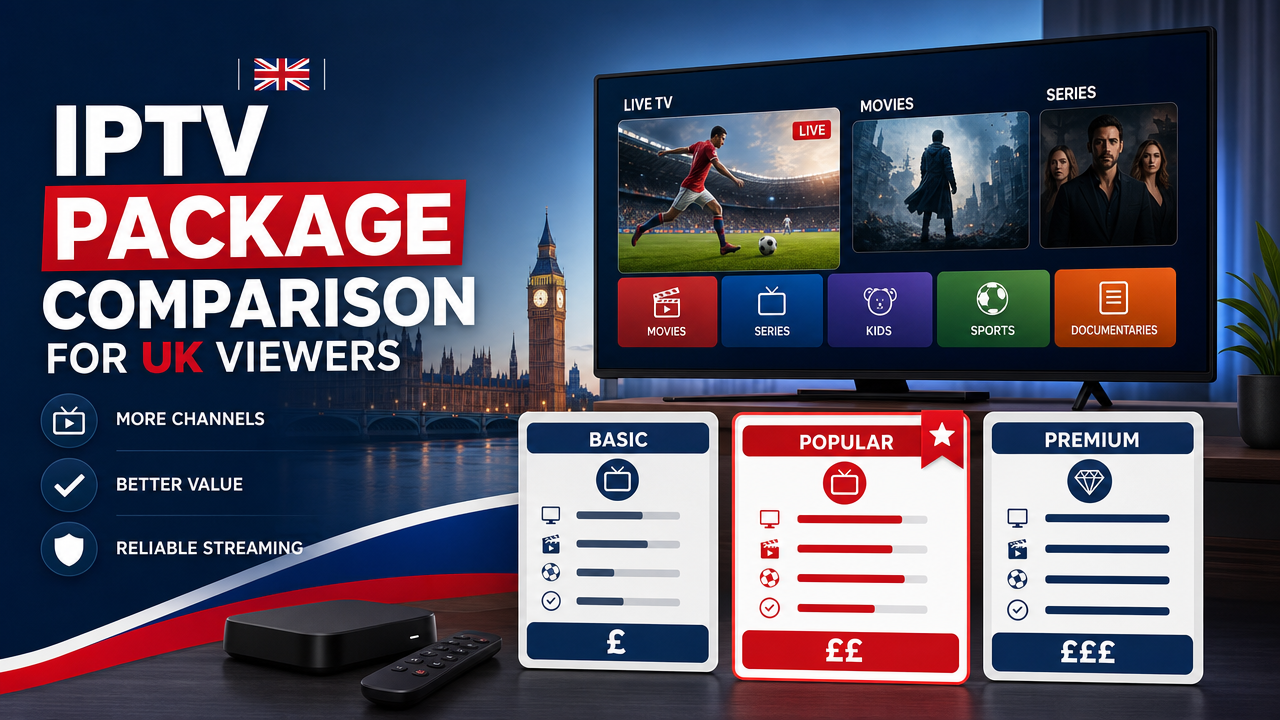
6. Review subscription plans and prices
Transparent pricing in pounds sterling is essential. You should know exactly what you are paying for, how long the subscription lasts, and what is included.
Current UK STREAM PRO subscription options
Approximate prices include:
- 1 month: approximately £8.64
- 3 months: approximately £22.47
- 6 months: approximately £30.25
- 12 months: approximately £42.34
You can compare current IPTV subscription options on the official subscription page. Always check the live checkout for the most up-to-date GBP pricing.
A longer plan usually offers better value per month, but only choose a longer plan after testing the service with a shorter one or with the trial.
7. Check payment methods and security
Secure payment options are a sign of a trustworthy provider. In the UK, customers expect familiar, safe payment methods.
UK STREAM PRO supports:
- PayPal
- Card payment
- Apple Pay
- Google Pay
Avoid providers who only accept unusual payment methods, cryptocurrency-only payments without any traditional option, or bank transfers to personal accounts. These are common warning signs of unreliable services.
8. Read the refund policy and terms carefully
Before you pay, read the refund policy and the full terms of service. This protects you if something is not as expected.
You should be able to clearly find:
- The UK STREAM PRO refund policy
- The terms and conditions
- The privacy policy
- The cookie policy
- The disclaimer and terms
Avoid services that hide their legal pages, have vague refund rules, or refuse to provide written terms. For general UK consumer rights information, you can also check GOV.UK consumer rights guidance.
9. Test customer support before subscribing
Reliable support can save you hours of frustration during installation, troubleshooting, or device changes. Before paying, send a short message to support and see how quickly and clearly they respond.
UK STREAM PRO offers support 12/7 and can help with:
- Installation on Smart TV, Fire TV Stick, Apple TV, and Android devices
- Help with M3U or Xtream Codes setup
- Compatibility checks for your device
- Subscription questions before purchase
If you want help before subscribing, simply contact UK STREAM PRO support for guidance.
10. Verify content claims realistically
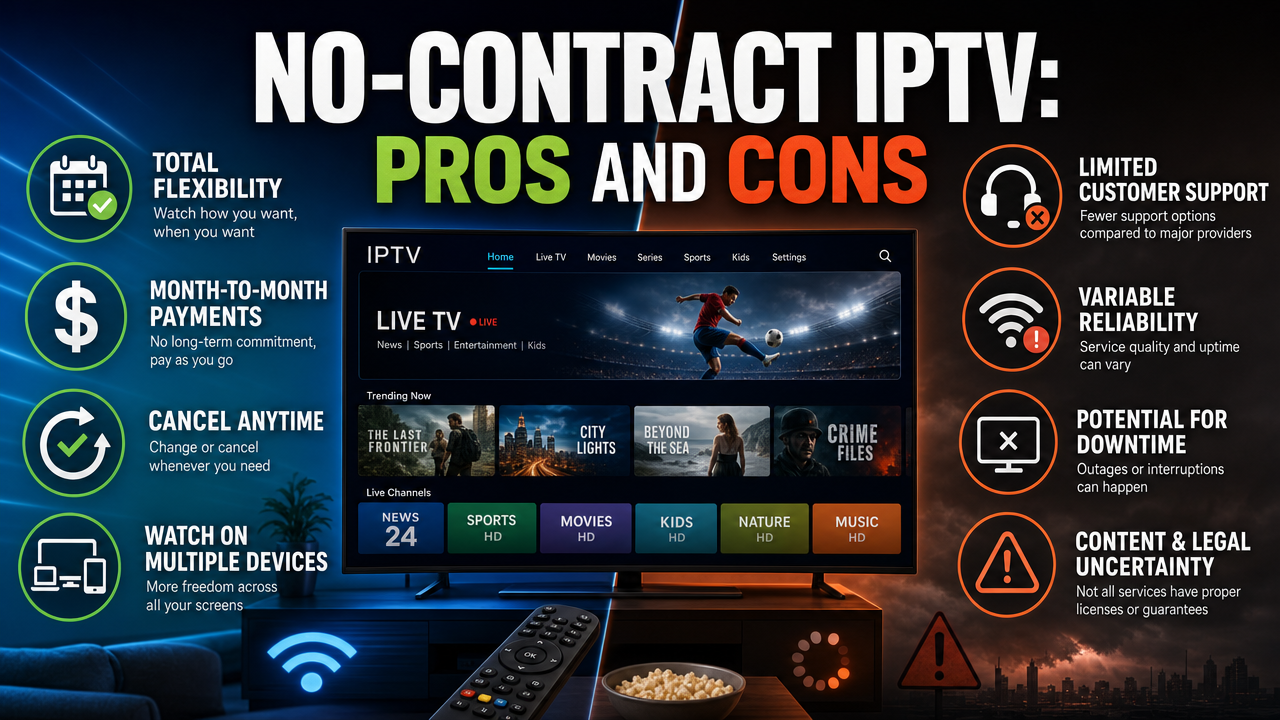
This is where many UK users get caught out. Many providers advertise “all channels”, “all sports events”, “all PPV”, or “every premium platform included”. Such claims are rarely accurate and often unsafe.
A realistic provider will explain that channel, VOD, catch-up, replay, EPG, HD, Full HD, 4K, and UHD availability may vary depending on the subscription, device, IPTV app, rights, licences, location, channel list, terms and conditions, and the technical status at the time of use.
UK STREAM PRO publishes verified figures such as 44,000 channels and 186,000 VOD titles, with activation in 5 minutes after purchase. Always check current availability before subscribing if a specific channel or title matters to you.
11. Confirm broadband and home network setup
Even the best IPTV service will struggle if your home network is weak. Before subscribing, check your connection.
Quick home network checks
- Run a speed test at peak hours (usually 7–10 pm)
- Check Wi-Fi signal strength near your TV
- Consider using Ethernet for your main TV device
- Restart your router regularly
- Upgrade to Wi-Fi 6 if your devices support it
If you use BT, EE, Virgin Media, TalkTalk, or another UK provider, a stable fibre connection is usually enough for HD streaming. For 4K content, a stronger, low-latency connection is preferred.
12. Understand the legal context in the UK
IPTV is a technology. It is not automatically legal or illegal. Legality depends on rights, licences, authorisation, broadcasting rights, and copyright.
When choosing an IPTV service in the UK, you should:
- Only use services that respect copyright and broadcasting rights
- Read the terms and conditions carefully
- Avoid any service that promises “100% legal” access to premium paid platforms without explanation
- Avoid services promoting VPN use to bypass restrictions or hide activity
For official guidance, the UK copyright information on GOV.UK is a useful reference. A VPN may have legitimate privacy and security uses, but it must not be presented as a way to bypass legal, geographic, contractual, or licensing restrictions.
13. Watch out for red flags
Some warning signs suggest you should avoid a provider entirely:
- Unrealistic promises like “all PPV included” or “every premium channel free”
- No trial option and pressure to buy a 12-month plan immediately
- No clear terms, refund policy, or privacy policy
- Only crypto or untraceable payment methods
- No customer support contact
- Claims of “100% legal” without explanation
- Encouragement to hide activity or bypass restrictions
If a provider ticks any of these boxes, look elsewhere.
14. Compare value, not just price
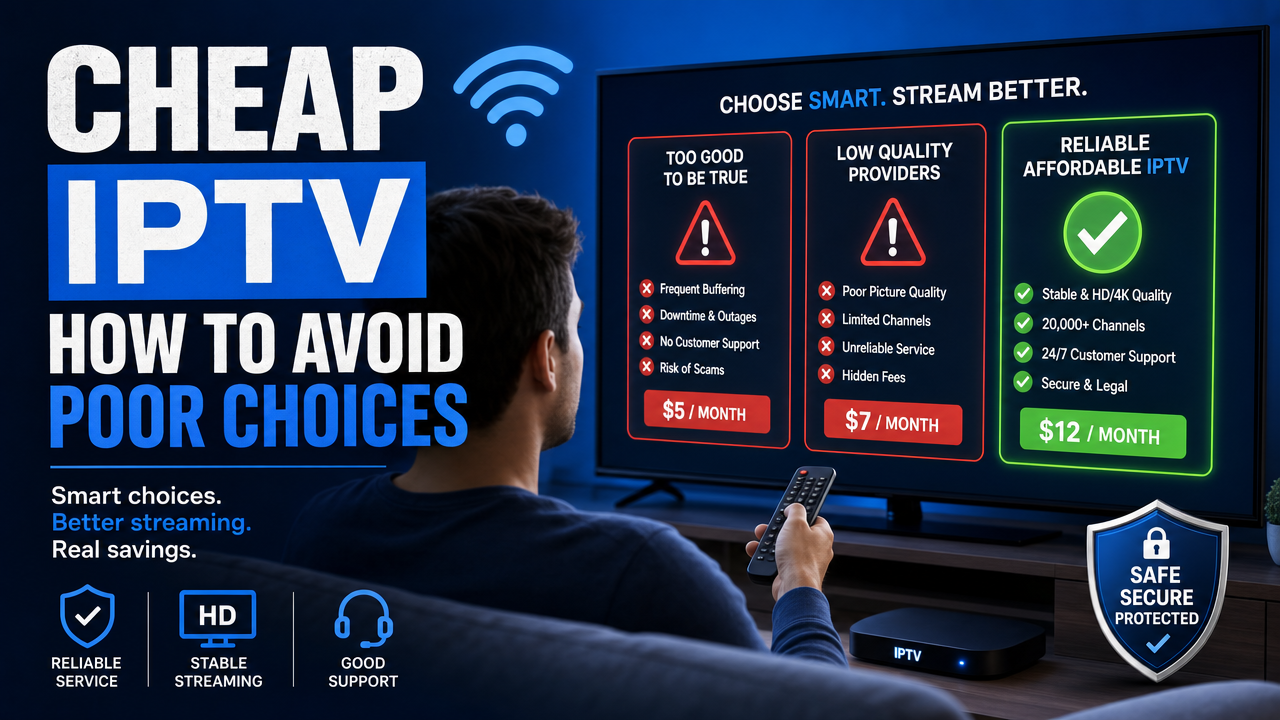
The cheapest service is not always the best value. When comparing options, weigh up:
- Stability and uptime in practice
- Number of compatible devices and apps
- Quality of support
- Trial availability
- Clear refund and terms
- Realistic content availability
A subscription that costs slightly more but offers consistent quality, real support, and clear terms is usually a better long-term choice than the cheapest option with no safeguards.
15. Take your time and read the FAQ
Most reliable IPTV providers publish a clear FAQ that answers common questions about setup, payment, devices, and content. You can check the FAQ before subscribing to UK STREAM PRO, or read the setup guide for installation help.
If you want background on the brand, you can also learn more about UK STREAM PRO before deciding.
Final checklist before you subscribe
Before you click pay, run through this short checklist one last time:
- Have you tested the service with a trial?
- Is your device compatible?
- Do you have a stable broadband connection?
- Have you chosen an IPTV app that suits your device?
- Do you understand M3U and Xtream Codes login?
- Are the prices in pounds sterling and clearly displayed?
- Do you accept the refund policy and terms?
- Is support reachable and helpful?
- Are the content claims realistic, not exaggerated?
If you can answer yes to most of these questions, you are ready to choose your IPTV subscription with confidence.
Conclusion
Knowing how to choose IPTV in UK comes down to balancing practical checks: stability, device compatibility, supported apps, secure payments, clear terms, helpful support, and realistic claims. Take time to test the service through a trial, read the refund policy, and confirm your home network is ready. To move forward safely, start with the UK STREAM PRO free trial, compare the current subscription plans, or learn more about IPTV UK with UK STREAM PRO before making your decision.
Frequently Asked Questions
Is IPTV legal in the UK?
IPTV is a technology that delivers TV content over the internet. Its legality depends on rights, licences, authorisation, broadcasting rights, copyright, and the terms attached to the content. Before choosing a subscription, check the terms and conditions, refund policy, privacy policy, and content availability of any provider you consider.
Can I test an IPTV service before subscribing?
Yes. UK STREAM PRO offers a trial period when available. Use the trial to test your device, IPTV app, picture quality, EPG, VOD, and connection stability before choosing a longer plan. Avoid providers that refuse to offer any test option.
What internet speed do I need for IPTV in the UK?
Stability matters more than raw speed. HD streaming usually needs less bandwidth than 4K. For smoother performance on Smart TV, Android TV, Apple TV, or Fire TV Stick, use Ethernet or a strong Wi-Fi 5 or Wi-Fi 6 connection on a fibre broadband line from providers such as BT, EE, Virgin Media, or TalkTalk.
Which devices work best with IPTV?
IPTV works on most modern devices, including Samsung Smart TV, LG Smart TV, Android TV, Apple TV, Amazon Fire TV Stick, iPhone, iPad, Android phones and tablets, Windows PC, Mac, and Linux computers. Always check that your chosen IPTV app is available on your device’s official app store.
What payment methods are accepted?
UK STREAM PRO accepts PayPal, card payment, Apple Pay, and Google Pay. These are widely used and secure payment methods in the UK. Avoid providers that only accept unusual or untraceable payment options.
What should I do if I need help with setup?
If you need help installing or configuring your IPTV service, you can contact UK STREAM PRO support. The team can assist with M3U or Xtream Codes setup, device compatibility checks, and general installation questions, with support available 12/7.